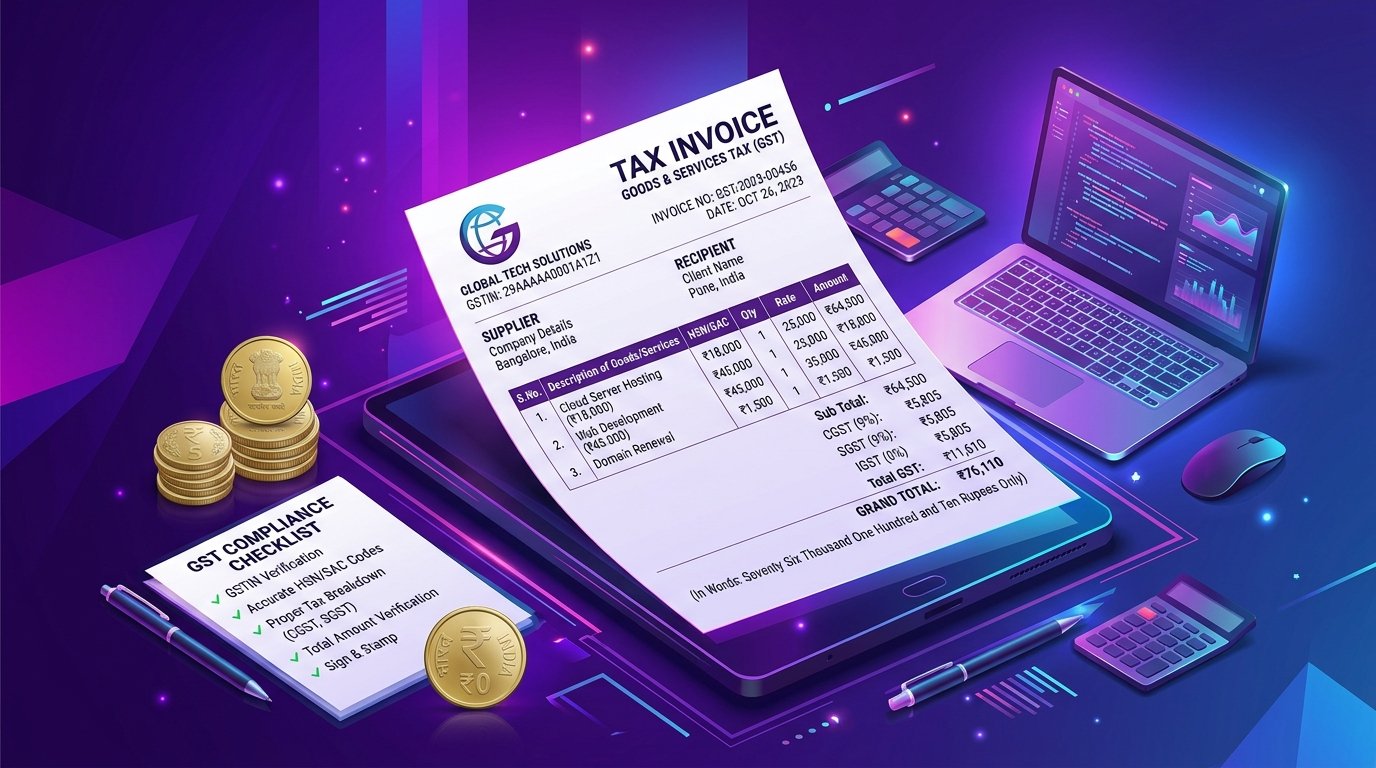
How to Create a GST Invoice in India: Complete 2026 Guide

If you run a business in India and your turnover crosses the GST threshold, issuing a proper GST invoice is not optional — it's the law. The good news: creating one is simple, and you can do it free with an online InvoBill in under 60 seconds.
What is a GST Invoice?
A GST invoice (also called a "tax invoice") is a document a registered seller must issue to a buyer for any supply of goods or services. It records the transaction, the GST charged, and forms the basis for the buyer's input tax credit claim.
Mandatory Fields in a GST Invoice
As per Rule 46 of the CGST Rules, a valid tax invoice must include:
- Supplier's name, address, and GSTIN
- A consecutive invoice number (unique for the financial year)
- Date of issue
- Buyer's name, address, and GSTIN (if registered)
- Place of supply with state code (for inter-state)
- HSN code for goods or SAC code for services
- Description, quantity, unit, and total value of items
- Taxable value and discount, if any
- Rate and amount of CGST, SGST, IGST, UTGST, or Cess
- Whether GST is payable on reverse charge
- Signature or digital signature of the supplier
CGST, SGST, IGST — Which One to Charge?
It depends on the place of supply:
- Intra-state sale (same state): charge CGST + SGST in equal halves.
- Inter-state sale (different state): charge IGST as a single line.
- Export: zero-rated — no GST, but mention "Supply meant for export under LUT/Bond".
Common GST Rates
Most goods and services fall under one of five slabs: 0%, 5%, 12%, 18%, or 28%. Use the official GST rate finder or check your HSN code on the CBIC portal.
Free GST Invoice Generator — Step by Step
- Open the InvoBill.
- Enter your business name, address, and GSTIN.
- Add your client's details and GSTIN (if registered).
- Set invoice number, issue date, and due date.
- Add line items with HSN/SAC codes, quantity, rate, and GST %.
- Review the live preview — totals, CGST/SGST/IGST split, and grand total are calculated automatically.
- Click Download PDF and email it to your client.
Pro Tips
- Use a consistent invoice numbering format like
INV/2026-27/001for the financial year. - Keep a digital copy for at least 6 years (mandatory under GST law).
- For export invoices, mention the LUT/ARN number.
- Use the same currency throughout — INR for domestic, USD/EUR for exports.
Conclusion
Issuing a GST invoice doesn't require expensive accounting software. With InvoBill's free online generator, you can produce a professional, GST-compliant tax invoice in seconds — no signup, no subscription, no data leaving your browser.
Try InvoBill free
Generate a professional, GST-ready invoice in under 60 seconds — no signup, no fees.
Open Free Invoice Generator